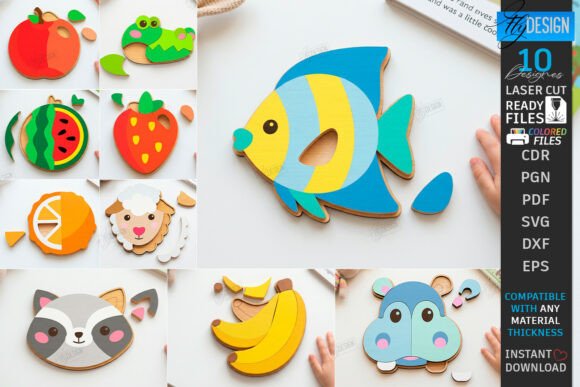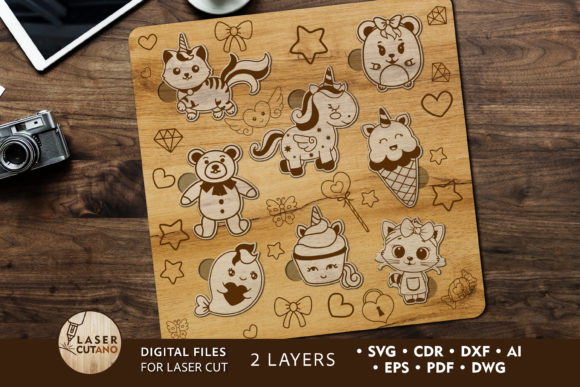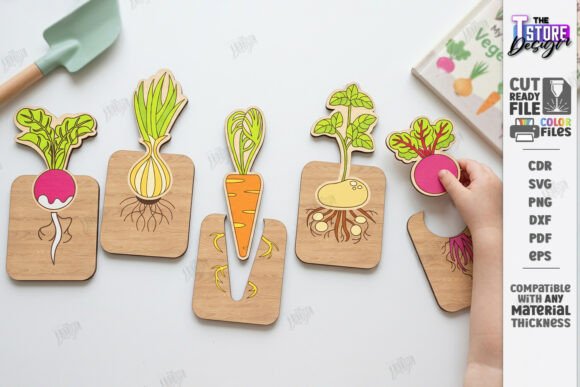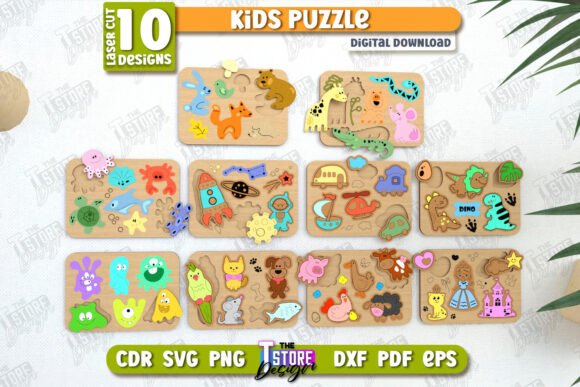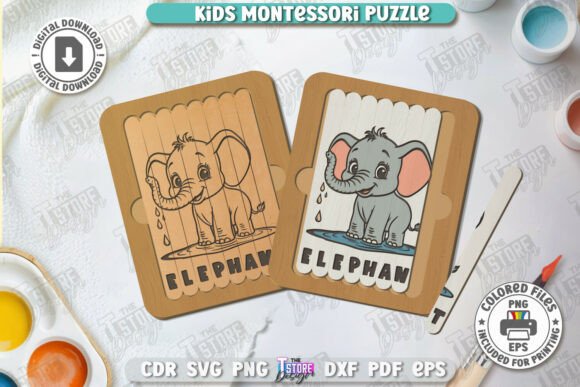
Kids Wooden Puzzle Laser Cut Montessori: A Guide for Makers and Educators
In the world of hands-on learning and creative manufacturing, few resources bridge the gap between digital design and tangible play as effectively as a high-quality Kids Wooden Puzzle Laser Cut Montessori file. Whether you are a parent looking to craft a unique gift, an educator seeking durable classroom materials, or a small business owner expanding your product line, this digital asset offers a versatile foundation. It transforms raw plywood or MDF into an engaging educational tool that encourages fine motor skills, problem-solving, and spatial awareness.
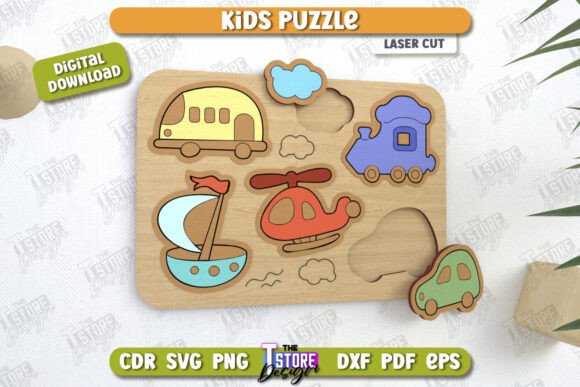
The appeal of these puzzles lies in their simplicity and effectiveness. Unlike mass-produced plastic toys that often lack durability or tactile feedback, wooden puzzles provide a satisfying weight and texture that children naturally gravitate toward. When you utilize a laser-cut design specifically optimized for Montessori principles, you are creating a tool where the child can self-correct. The pieces fit together logically, teaching cause and effect without the need for constant adult intervention. This specific design focuses on transportation themes, introducing young minds to vehicles like cars, trucks, and planes in a way that feels organic and exploratory rather than forced.
From Digital File to Physical Toy: Understanding the Process
Before diving into the applications, it is crucial to understand what you are actually working with. This product is not a physical toy but a comprehensive digital package designed for use with laser cutting machines. The core of the design relies on a precise vector system where different line colors dictate the machine's action. In this specific setup, the RED line indicates where the laser should cut, separating the individual puzzle pieces from the main board. Conversely, the BLACK line signals where the laser should engrave, adding depth, detail, and visual interest to the vehicle shapes without removing material.
This distinction is vital for achieving professional results. If your software interprets the lines incorrectly, you might end up with engraved cuts or cut engravings, ruining the piece. The package includes multiple file formats—SVG, EPS, PNG, PDF, and DXF—to ensure compatibility with various software ecosystems. However, users must be mindful of their specific workflow. For instance, if you are using Lightburn, a popular industry-standard software, you may notice dimensional distortions when importing SVG files. To avoid frustrating resizing issues or misaligned parts, it is highly recommended to use the DXF file format within Lightburn. This ensures that the dimensions remain true to the original design, resulting in a puzzle where every piece fits perfectly.
Real-World Applications for Educators and Homeschoolers
For educators and homeschooling parents, the value of a Kids Wooden Puzzle Laser Cut Montessori extends far beyond simple entertainment. In a classroom setting, these puzzles serve as excellent center activities. They are quiet, independent, and scalable. A teacher can produce ten identical sets for a group activity or customize them for individual students who need extra practice with shape recognition.
Consider a scenario in a preschool environment where a teacher wants to introduce the concept of "transportation." Instead of showing flashcards, they hand out these wooden puzzles. As the child manipulates the heavy, smooth wood, they are developing the pincer grasp necessary for writing later on. The tactile nature of the wood helps children focus better than slippery plastic alternatives. Furthermore, because the design is based on Montessori philosophy, the puzzle acts as a control of error. If a child tries to force a truck piece into a plane slot, it simply won't fit. This immediate feedback builds confidence and reduces frustration, allowing the child to learn at their own pace.
Homeschoolers also benefit significantly from the ability to customize. You aren't limited to store-bought options; you can choose the type of wood, the thickness, and even the finish. Sanding the edges yourself ensures there are no splinters, making it safe for toddlers. This level of control allows you to align the toy perfectly with your curriculum goals, whether that is focusing on color matching, naming vehicles, or understanding directionality.
Business Opportunities for Makers and Entrepreneurs
For the entrepreneur or hobbyist running a small maker business, this digital download represents a low-risk entry into the educational toy market. The initial investment is minimal—you only pay for the file once, and then you can produce as many units as your machine time allows. The demand for handmade, eco-friendly, and screen-free toys has never been higher. Parents are actively seeking products that are sustainable and built to last, moving away from single-use plastics.
Imagine setting up a booth at a local craft fair or launching an Etsy shop. A beautifully finished wooden transport puzzle, perhaps stained in natural tones or painted with non-toxic, child-safe acrylics, stands out immediately. Because the design is clean and modern, it appeals to parents who appreciate minimalist aesthetics. The fact that it is laser-cut ensures consistency across your inventory, which is critical for building a brand reputation. You can offer these as standalone items, bundle them with other Montessori materials, or even create custom orders where clients request specific vehicles or names engraved on the back.
The versatility of the included file formats also supports scalability. If you decide to expand your production to larger batches, having access to DXF and EPS files means you can easily integrate the design into automated workflows or share it with a contract manufacturer if your personal machine capacity is reached. The ability to quickly pivot between file types saves time during the prototyping phase, allowing you to test different wood densities or engraving depths before committing to a full run.
Technical Considerations Before You Start
While the potential is vast, success depends on preparation. Before downloading or purchasing, verify that your laser cutter and accompanying software are compatible with the provided formats. Not all machines handle vector data the same way. If you are new to laser cutting, take some time to test the settings on a scrap piece of wood first. You want to find the perfect balance of power and speed so that the red lines cut through cleanly without charring the edges, while the black lines engrave deeply enough to be visible but not so deep that they weaken the structure of the puzzle piece.
Another practical consideration is the choice of material. While the design works on various woods, Baltic Birch plywood is often the gold standard for puzzles due to its stability and lack of voids. Thinner materials (around 3mm to 6mm) usually work best for younger children, ensuring the pieces are light enough to manipulate but sturdy enough not to break. If you plan to paint the puzzle, remember that the engraving lines will hold the paint well, adding a nice textural contrast.
If you encounter any issues with file dimensions or need a specific variation—such as a different resolution for the PNG preview or a modified vector for a specialized machine—the creator is available for support. Reaching out to clarify needs before starting a project can save hours of troubleshooting. Additionally, following the creator's updates ensures you stay informed about future releases, potentially giving you early access to new designs that complement this transport theme, such as animal or number puzzles.
Bringing Play and Learning Together
Ultimately, the Kids Wooden Puzzle Laser Cut Montessori is more than just a set of digital vectors; it is a tool for connection. It connects the digital precision of modern manufacturing with the timeless joy of wooden playthings. Whether you are crafting a one-of-a-kind heirloom for your grandchild, stocking shelves for your boutique, or equipping your classroom with high-quality manipulatives, this resource provides the blueprint for success. By paying attention to the technical details and understanding the pedagogical benefits, you can transform a simple file into a meaningful experience that fosters growth, creativity, and independence in children.