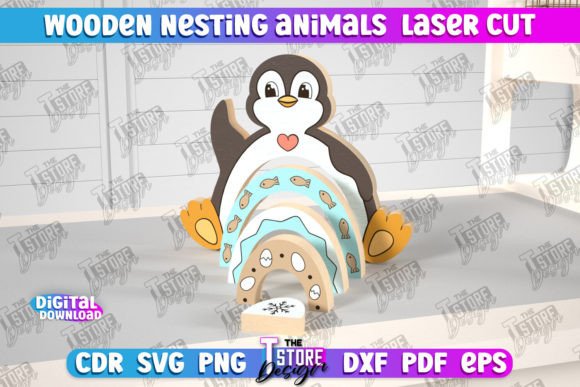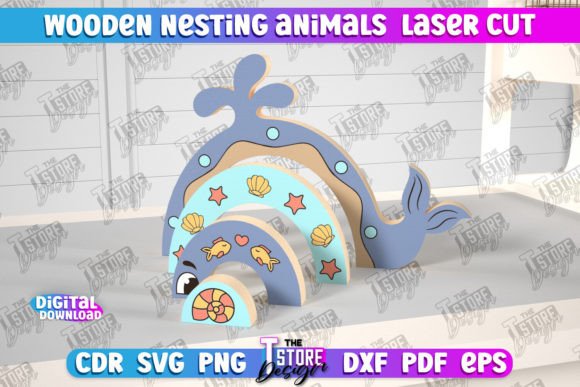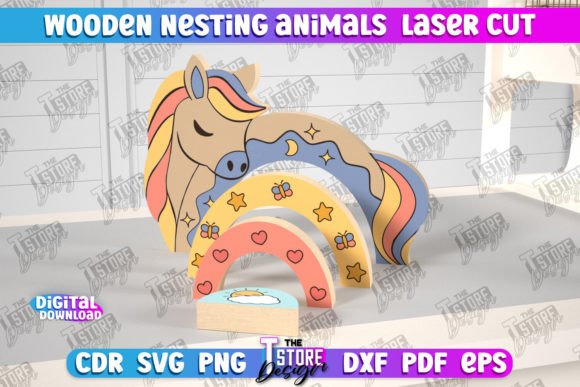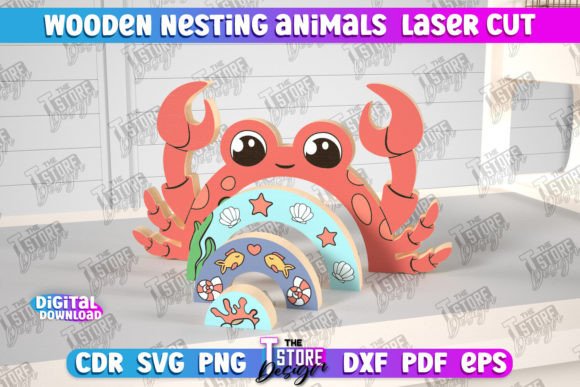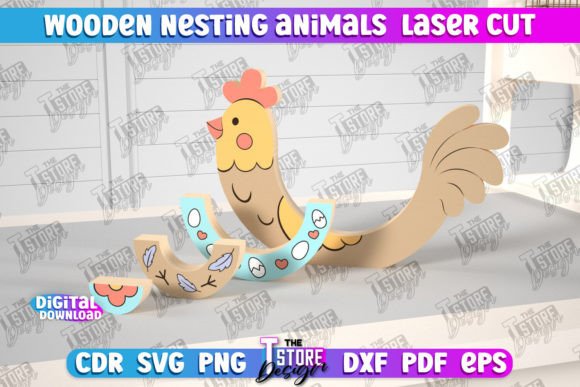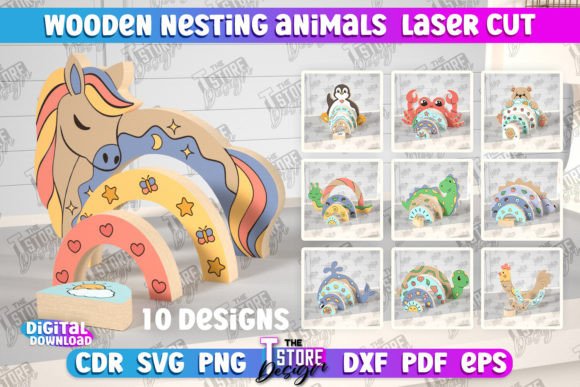
Wooden Nesting Animals Laser Cut Bundle: A Smart Choice for Makers and Educators
The Wooden Nesting Animals Laser Cut Bundle is more than just a creative project — it's a versatile digital resource for makers, educators, and small business owners looking to produce engaging wooden toys and educational tools. This collection includes 10 sets of nesting animal designs, each available in multiple file formats like SVG, EPS, PNG, PDF, and DXF, making it compatible with a variety of laser cutting machines and software.
Whether you're crafting custom gifts, designing Montessori-style learning tools, or building a product line for a small shop, this bundle offers a practical and scalable solution. However, to get the most from it, users need to be aware of some common pitfalls and overlooked details that can impact the final result.
Common Mistakes and How to Avoid Them
While the Wooden Nesting Animals Laser Cut Bundle is user-friendly, certain issues can arise if you're not careful with file formats, software settings, or material choices. Here are some of the most frequent issues and how to handle them effectively:
1. Choosing the Wrong File Format for Your Software
One of the most common issues users face is choosing the wrong file type for their laser cutting software. While SVG files are popular for their scalability, they can cause dimensional inaccuracies — especially in Lightburn. This can result in nesting animals that don't fit together properly or appear misshapen.
Better approach: If you're using Lightburn, opt for DXF files instead of SVG. DXF files maintain dimensional accuracy and are less likely to distort during import. Always double-check dimensions in your software before starting a cut.
2. Ignoring Material Thickness and Laser Kerf
Another frequent oversight is not adjusting for material thickness and laser kerf — the width of the cut made by the laser beam. If you're using 3mm wood but design for 2mm, the nesting pieces may be too tight or too loose.
Better approach: Test with a small prototype or use kerf compensation tools in your software. Some design files may include kerf adjustments already, but it's wise to verify and tweak as needed for your specific machine and material.
3. Overlooking File Resolution for Engraving
When engraving details like eyes or patterns onto the nesting animals, low-resolution PNG files can lead to blurry or pixelated results. This affects the overall quality and presentation, especially if you're creating items for sale or gifting.
Better approach: Use high-resolution PNG files for engraving. If the included PNGs aren't sufficient, reach out to the seller for higher resolution versions or convert vector files (like SVG or DXF) to PNG at a higher DPI setting in your image editing software.
4. Skipping a Test Cut
Some users jump straight into cutting without doing a test run on scrap material. This can lead to wasted time and materials, especially if alignment, power, or speed settings are off.
Better approach: Perform a test cut on a small piece of the same material you plan to use. This helps you verify size, fit, and engraving quality before committing to the full project.
What to Check Before Downloading or Using the Bundle
Before purchasing or using the Wooden Nesting Animals Laser Cut Bundle, take a few moments to verify the following:
- Compatibility: Ensure the file types included (SVG, DXF, etc.) are supported by your laser cutting software and machine.
- Dimensions: Review the size of each nesting animal to ensure they meet your project needs, whether for toys, educational aids, or decorative items.
- File Integrity: Open a few sample files before starting your project to make sure there are no missing elements or corrupted layers.
- Support: Confirm that the seller offers assistance if you need alternate file types or encounter issues with the download.
Getting the Most from Your Laser Cut Bundle
Once you've avoided the common missteps, you can focus on making the most of this versatile digital product. Here are a few ways to maximize its value:
- Customize for different age groups: Adjust the complexity of the nesting animals to suit different developmental stages — simpler shapes for infants, more detailed ones for preschoolers.
- Use it in educational settings: These nesting animals are excellent for teaching size comparison, fine motor skills, and animal recognition. Teachers and homeschoolers can integrate them into lesson plans or sensory play activities.
- Create branded items: Entrepreneurs can personalize the designs with logos or custom engravings to create unique branded products for sale or events.
- Experiment with finishes: Try different wood types, stains, or paint to enhance the look and durability of your finished nesting animals.
Conclusion and Final Tips
The Wooden Nesting Animals Laser Cut Bundle is a valuable resource for anyone working with laser cutting machines, but success comes down to attention to detail. By choosing the right file formats, adjusting for material thickness, testing your settings, and verifying file quality before cutting, you'll ensure a smooth and satisfying project outcome.
Remember, if you're ever unsure about file compatibility or need a different version of a design, don't hesitate to contact the seller. A quick message can save you hours of troubleshooting and help you get the most from your laser cut creations.
With the right approach, this bundle becomes more than just a digital download — it's a foundation for creativity, learning, and small-scale production that can grow with your skills and ambitions.